

We’ve made it quicker and easier to write for your clients in PT Distinction.
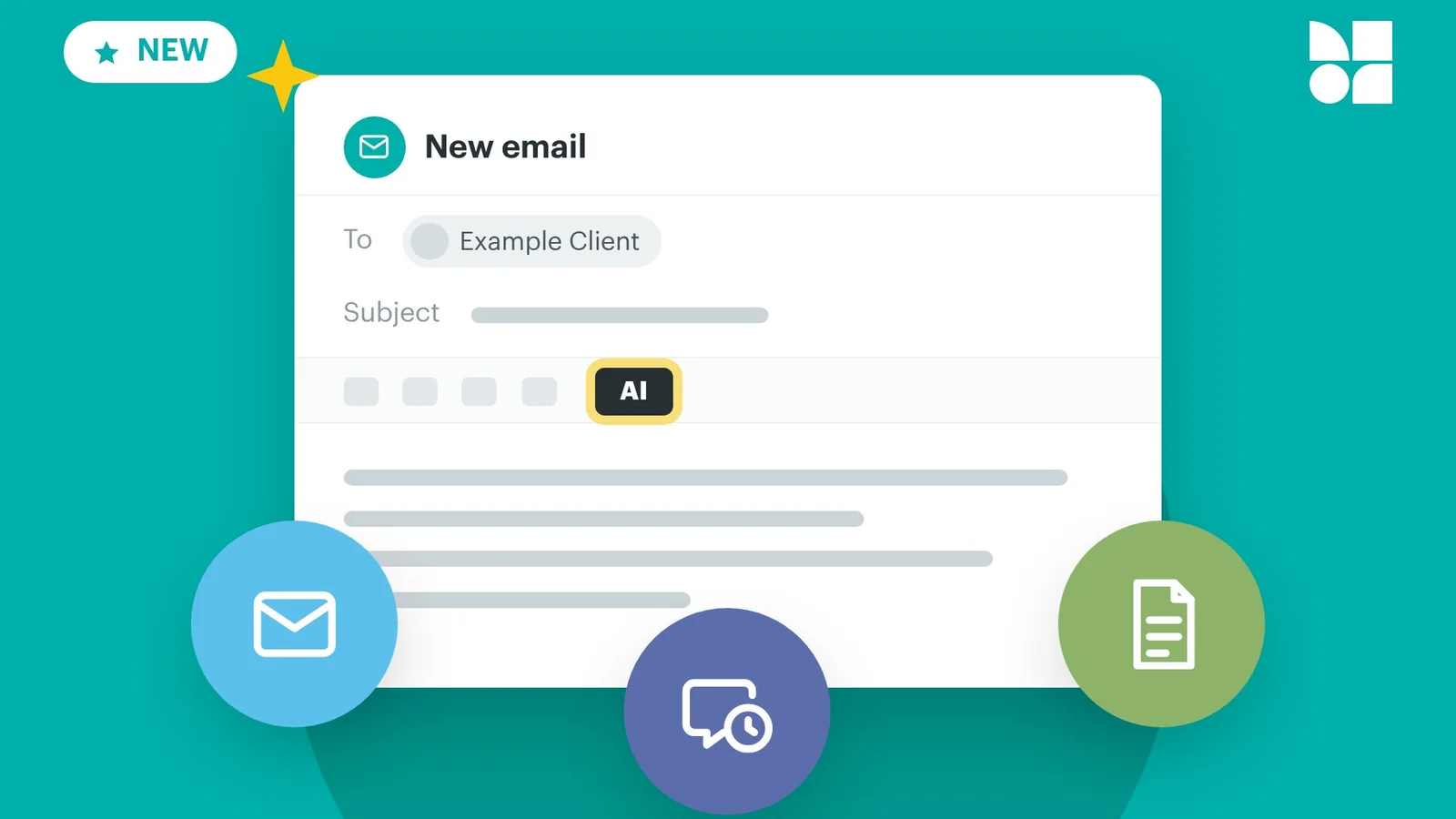
With the new AI Text Generator, you can create client emails, scheduled messages and coaching documents without starting from a blank page. Describe what you need, and AI writes the text for you to review, edit and use.
Here’s how it works.
Need a welcome email for a new client, a check-in reminder, or a guide to help someone through their first week?
Click the AI button, describe the message you want in your own words, and the AI Text Generator writes it for you.
The clearer your description, the closer the first draft will be. Mention who it’s for, what you want them to do, and the tone you want to use.
The AI Text Generator works in three places:
It sits alongside the rest of our client messaging tools, so everything you write stays in one place with your clients’ programs and progress.
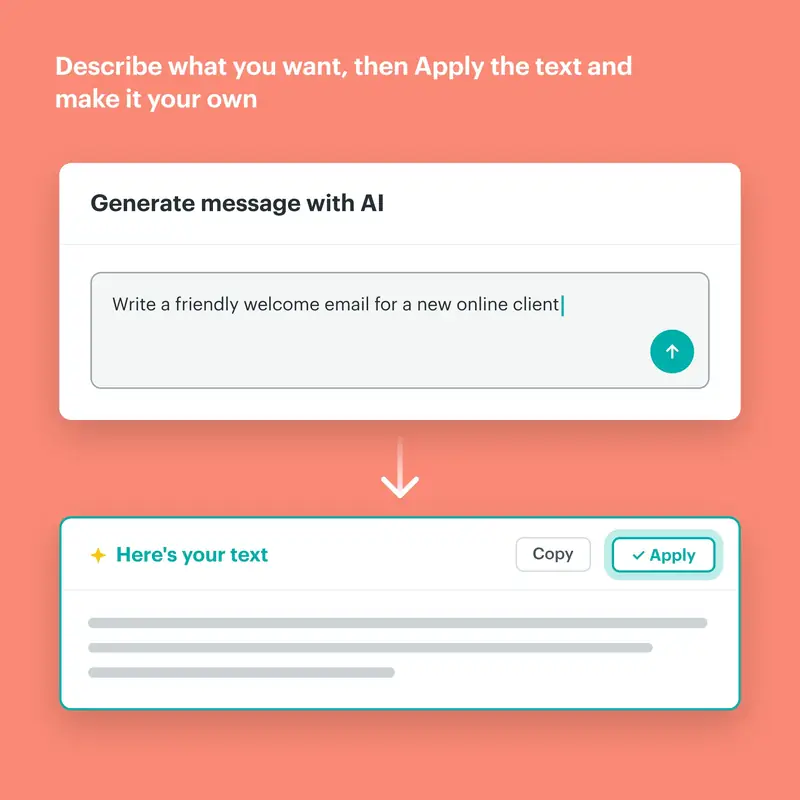
Open a new email, scheduled message or coaching document, then click the AI button in the editor.
Once the text is ready, copy it or apply it straight into your content. Then edit it so it sounds just like you before it reaches your client.
You stay in control of every message. AI gives you a strong starting point, and you decide what goes out.
The AI Text Generator is available now on every PT Distinction plan.
Ready to join the family?
We'll get you up and running in no time. Start with our zero-risk free trial and build your personal training empire today.