Your PT Distinction dashboard has a fresh new design. The main navigation has moved from the top of the screen to a modern left-hand sidebar, making the platform clearer and faster to move around.
The refresh brings more of the platform's features front and center, so you can find every tool quickly and put more of them to work. And if you are wondering where anything went, don't worry. Everything from the old top menu is still here. It just has a new home on the left of your screen.
• A modern left-hand sidebar, with every section one click away.
• Hover menus that open your full toolkit instantly: Assessments, clients, nutrition coaching, programs, groups, my tools, and more.
• Search in the sidebar, so every client, group, and program is just one click away.
• More vertical screen space, so each page gives more room to your client activity and less to the interface.
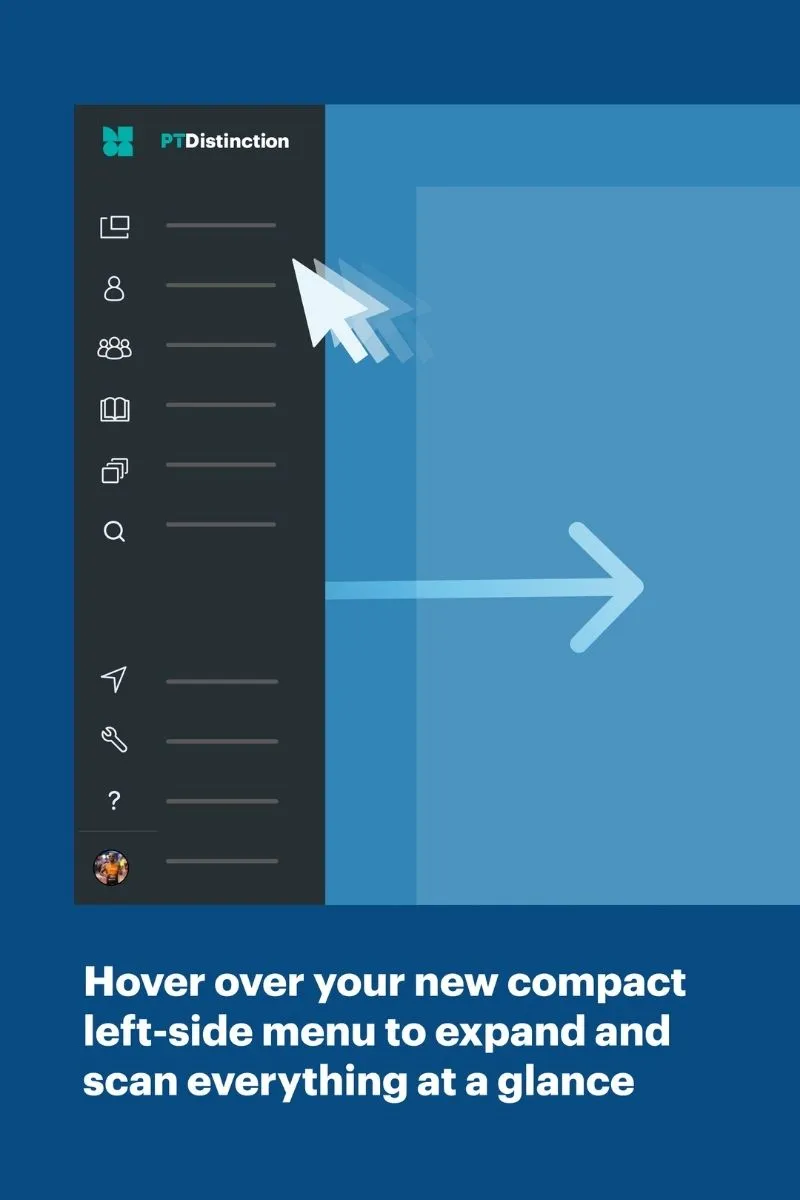
Hover over the compact sidebar to expand it, so you can scan everything at a glance. Click any section to jump straight to it.
The sections you use every day sit at the top: Search, Dashboard, Clients, Groups, Library, and Community. Below them you will find your Set-up Assistant, My Tools, and Help, with your account at the bottom.
If you are not using PT Distinction yet, this is a great time to take a look. The new dashboard sits on top of the tools coaches rate us for: the AI program builder, assessments, habits coaching, nutrition coaching, and fully branded apps for your business.
Ready to see it for yourself? Start your 1-month free trial and explore the new dashboard along side everything else PT Distinction gives you.
Ready to join the family?
We'll get you up and running in no time. Start with our zero-risk free trial and build your personal training empire today.